TextureAnySTL
Art Deco texture for STL files
Add a seamless art deco surface to any STL in seconds, embossed or engraved, right in your browser. Free, no account, and your file never leaves your computer.
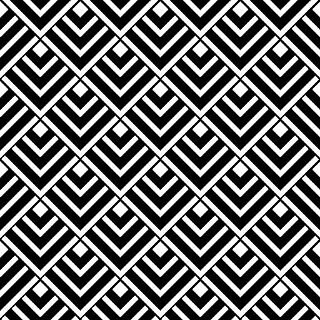
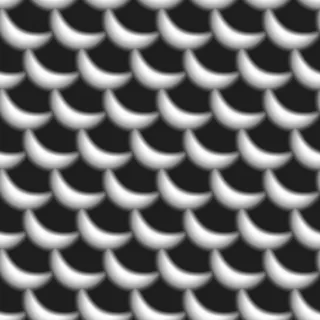
Fan-shaped scallops in a 1920s Art Deco style, elegant on vases and lamps.
Great for:
- vases
- lamps
- jewellery boxes
- decor
How to add a art deco texture to your STL
- Open TextureAnySTL with Art Deco selected and drop in your STL, OBJ or 3MF file.
- Click the face or curved surface you want to texture (hold Ctrl to add more).
- Set the depth (0.2–0.6 mm is typical; negative values engrave) and the tile size.
- Click Apply texture, then Export STL. Print it in Bambu Studio, PrusaSlicer, Cura, Orca or any slicer.
Tip: for fine detail or small tiles, raise Detail to High, Max or Ultra. See the detail comparison.