TextureAnySTL
Garter Stitch texture for STL files
Add a seamless garter stitch surface to any STL in seconds, embossed or engraved, right in your browser. Free, no account, and your file never leaves your computer.
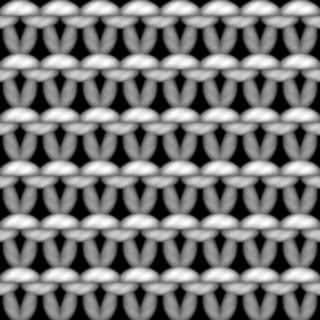
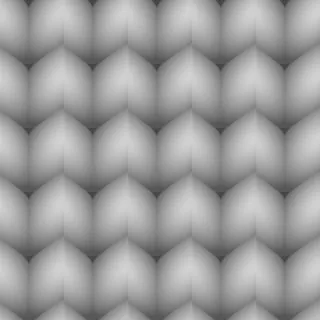
Horizontal ridges of rounded bumps, like a hand-knitted scarf. A soft, chunky texture that wraps well around curved parts.
Great for:
- vases and cups
- baskets
- lamp shades
- desk organizers
How to add a garter stitch texture to your STL
- Open TextureAnySTL with Garter Stitch selected and drop in your STL, OBJ or 3MF file.
- Click the face or curved surface you want to texture (hold Ctrl to add more).
- Set the depth (0.2–0.6 mm is typical; negative values engrave) and the tile size.
- Click Apply texture, then Export STL. Print it in Bambu Studio, PrusaSlicer, Cura, Orca or any slicer.
Tip: for fine detail or small tiles, raise Detail to High, Max or Ultra. See the detail comparison.
Full guide with settings and printing tips: how to add a knitted texture to a 3D print.