TextureAnySTL
Knurling texture for STL files
Add a seamless knurling surface to any STL in seconds, embossed or engraved, right in your browser. Free, no account, and your file never leaves your computer.
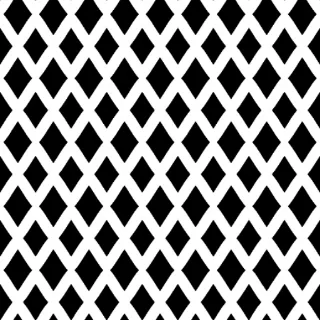
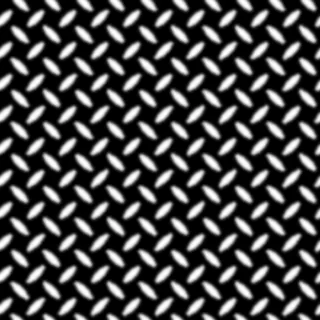
The diamond knurl found on machined metal handles and knobs. The go-to texture for grip on printed knobs, handles and tool grips.
Great for:
- knobs
- tool handles
- bolt heads
- grips
How to add a knurling texture to your STL
- Open TextureAnySTL with Knurling selected and drop in your STL, OBJ or 3MF file.
- Click the face or curved surface you want to texture (hold Ctrl to add more).
- Set the depth (0.2–0.6 mm is typical; negative values engrave) and the tile size.
- Click Apply texture, then Export STL. Print it in Bambu Studio, PrusaSlicer, Cura, Orca or any slicer.
Tip: for fine detail or small tiles, raise Detail to High, Max or Ultra. See the detail comparison.