TextureAnySTL
Fuzzy skin vs a real texture: which should you use?
Fuzzy skin and a texture in the model both give a print a matte surface that hides layer lines, but they work in very different ways. Here is what each one does, and when to choose which.
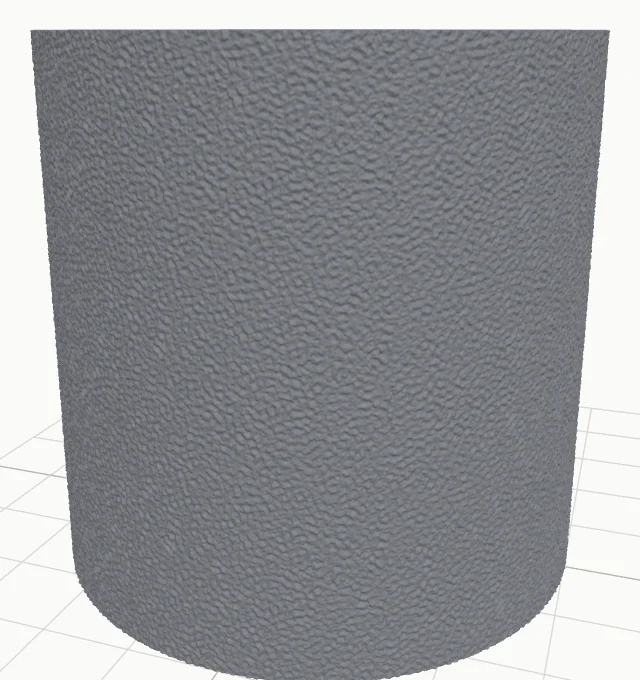
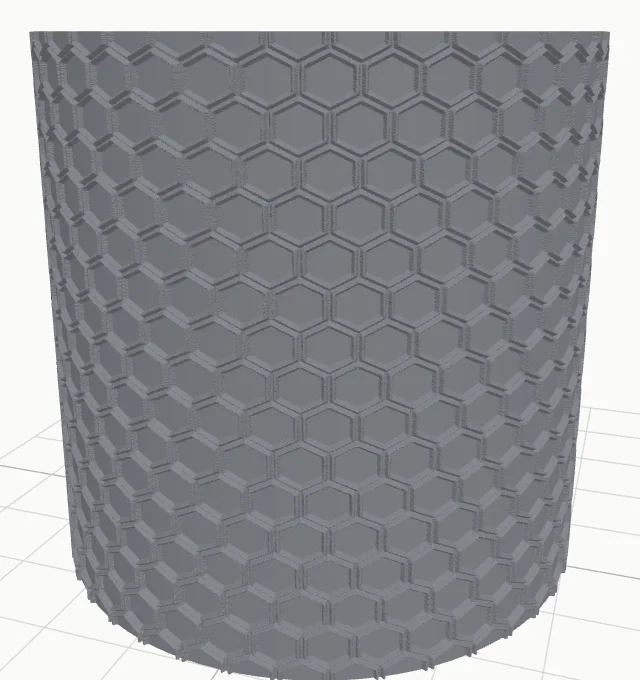
The difference in one sentence
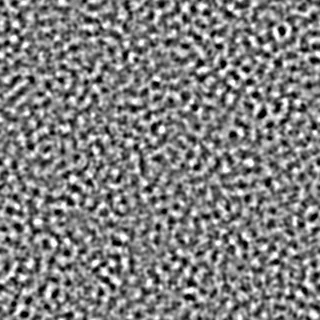
Fuzzy skin is a slicer setting that makes the nozzle wobble randomly while it prints the outer walls. A texture changes the model itself, so the pattern is part of the STL and prints the same in any slicer.
Side by side
| Slicer fuzzy skin | Texture in the STL | |
|---|---|---|
| Pattern | Random roughness (some slicers offer a few noise types) | Any pattern: carbon fiber, knurling, leather, wood, hexagons, your own image |
| Where | Side walls only; top and bottom surfaces stay smooth | Any face you pick, including tops, curves and parts of a face |
| Control | Thickness and point distance | Depth in mm, tile size, rotation, emboss or engrave |
| Portability | Lives in your slicer profile | Lives in the file: share it, sell it, print it anywhere |
| Resin printers | Not available | Works |
| File size | No change | Larger STL (3MF export keeps it smaller) |
| Effort | One checkbox | About a minute in the browser |
When fuzzy skin is the better choice
- You want a quick matte, grippy wall and don't care about the exact pattern.
- The part only has side walls that need it.
- You want to keep the model file small and untouched.
When a texture is the better choice
- You want a specific look: carbon fiber, knurling, leather, wood grain…
- Top faces, lids or curved tops need texture too.
- You share or sell the file and want it to look the same for everyone.
- You print in resin, or your slicer has no fuzzy skin.
- Want the fuzzy look on top faces as well? The Fuzzy Skin texture builds it into the model.
Common questions
Can I use both? Yes, but not usually on the same faces: fuzzy skin on top of a texture blurs the pattern. Texture the faces you care about and leave fuzzy skin off.
Does fuzzy skin hide layer lines? Mostly, on walls. A texture hides them too, and also works on sloped and top surfaces where fuzzy skin does nothing.
Is a textured STL harder to print? No. It is a normal, watertight STL. Most slicers handle it like any other model.